How to broadcast remotely using the WebDJ interface
What you'll need
- DJ account credentials (username and password)
- internet connection
- a device with a microphone (if needed)
- the audio files you want to broadcast, saved on your device (if needed)
The WebDJ interface can be accessed on a browser.
Go Live!
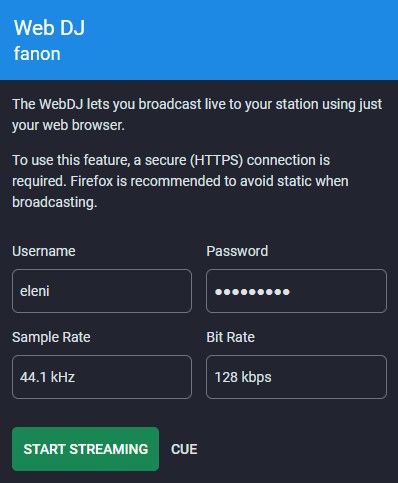
To start broadcasting you simply need to fill in your credentials. If you are scheduled at that time, you can start streaming!
Update the metadata of your stream, to let the listeners know what they are listening to!